

01
Quarter-in-Review Aggregation
Pull all Q1 conversations—customer calls, internal meetings, all-hands recordings, strategy sessions, support data—into a single collection and query it as one unified dataset.

A customer-led workflow
Turn customer and team insights into OKRs and roadmap priorities. Plan your quarter based on data, not opinions or whoever spoke loudest in the last meeting.
Customer evidence

“Citations in reports are critical for us. They build trust and prove accuracy — when leadership sees top citations, it reinforces credibility.”
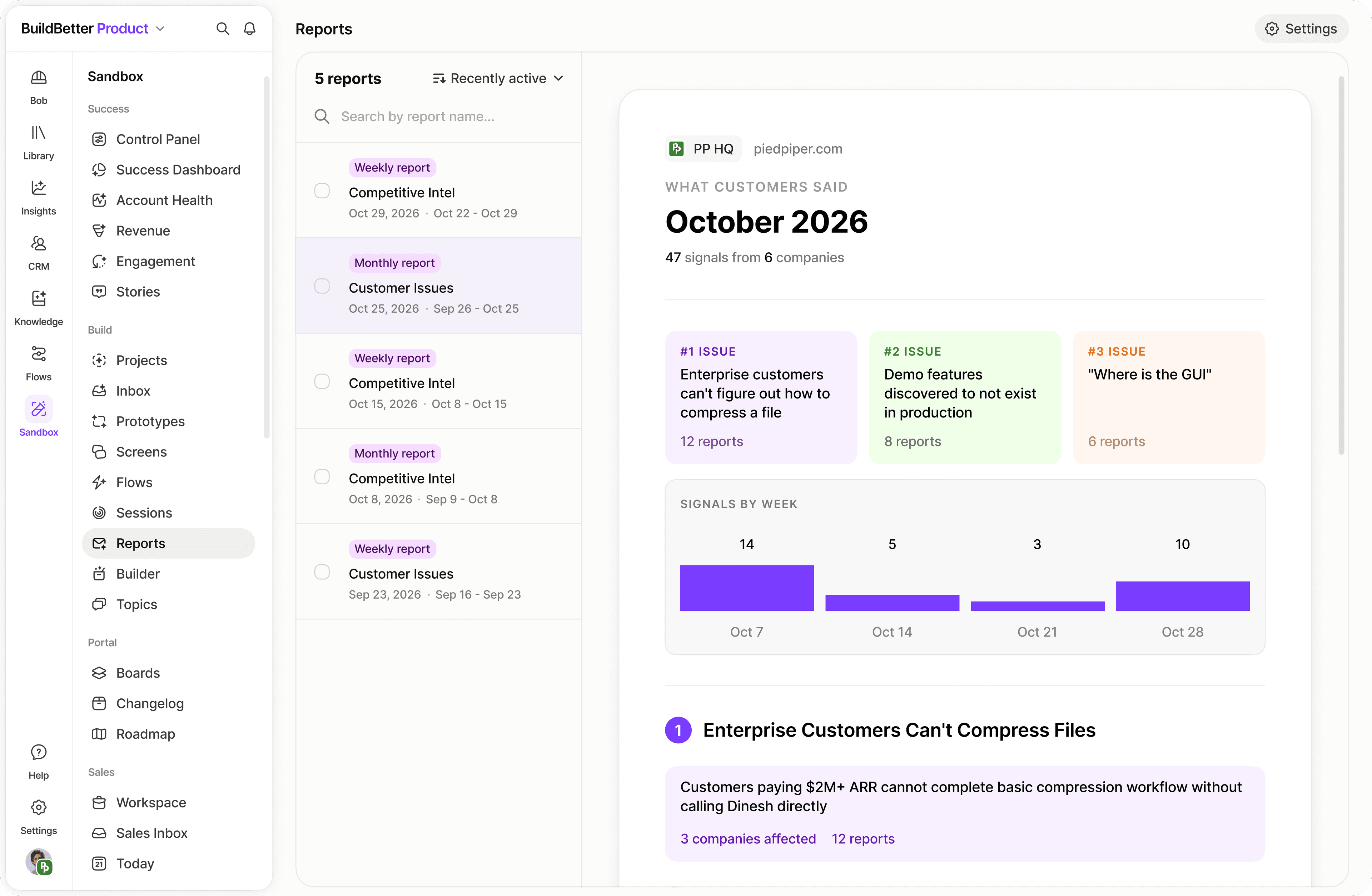
Ask a specific question of your company context. Inspect the accounts and source material behind the answer before using it in a report or a team decision.
01
Pull all Q1 conversations—customer calls, internal meetings, all-hands recordings, strategy sessions, support data—into a single collection and query it as one unified dataset.
02
Ask Chat to surface the top 3–5 strategic themes from your Q1 data. It clusters mentions by frequency, finds patterns across teams, and shows you the leading indicators hiding in your conversations.
03
Once themes are identified, ask Chat to suggest OKRs for Q2 with measurable key results grounded in customer data. Replace "we think customers want X" with "78 customers mentioned X in Q1."
04
For each candidate roadmap item, Chat can tell you: how many customers mentioned it, what they said, revenue impact, and urgency signals. Data replaces debate.
05
Generate a formatted quarterly planning doc with one click: Q1 retrospective, customer insights, strategic themes, proposed OKRs, and roadmap recommendations—ready to share with your team.
06
Share the planning doc before your planning session. Everyone sees the same customer data. Alignment happens faster because priorities are grounded in evidence, not opinion.
Gather all Q1 conversations into one collection: customer calls, internal team meetings, all-hands recordings, strategy sessions, and support ticket data.
Query Chat: "What are the top customer problems from Q1?" / "What did we commit to but didn't ship?" / "What internal blockers came up repeatedly?" / "What market opportunities did customers mention?"
Query Chat: "Based on all Q1 data, what are the top 3–5 strategic themes that should guide Q2?" You'll get themes ranked by mention frequency with supporting evidence.
Query Chat: "Based on these themes, suggest OKRs for Q2 with measurable key results." Creates data-backed OKRs instead of best guesses.
Query Chat: "For each potential roadmap item, tell me: customer mention count, revenue impact signals, and urgency." This creates a prioritization matrix based on real data.
Click Generate → Generate Document → "Quarterly Planning." Creates a formatted doc with Q1 retrospective, customer insights, strategic themes, proposed OKRs, and roadmap recommendations.
Distribute the generated doc 24 hours before your planning session. Everyone comes in with the same customer data already visible.
With shared data as the foundation, debate is replaced by decisions. Use the session to finalize OKRs and assign owners rather than arguing priorities.
Create Q2 collections to track progress. Configure weekly auto-reports so you can monitor whether Q2 conversations are validating or challenging your OKRs in real time.
Bring a real question. We’ll walk through the context and the next step together.
Book a demo