

Slack Integration
Automatically capture feedback from Slack channels and send insights back to the right places. Two-way sync that keeps your team in the loop.


Channel Scraping
Automatically capture feedback from any Slack channel.
Auto-Sync
Data pulled automatically every 24 hours.
Manual Signals
Create signals directly from any Slack message.
Send Insights
Route insights to channels based on your rules.
Smart Filtering
Filter what gets sent where with custom criteria.
Real-time
Instant notifications when criteria are met.
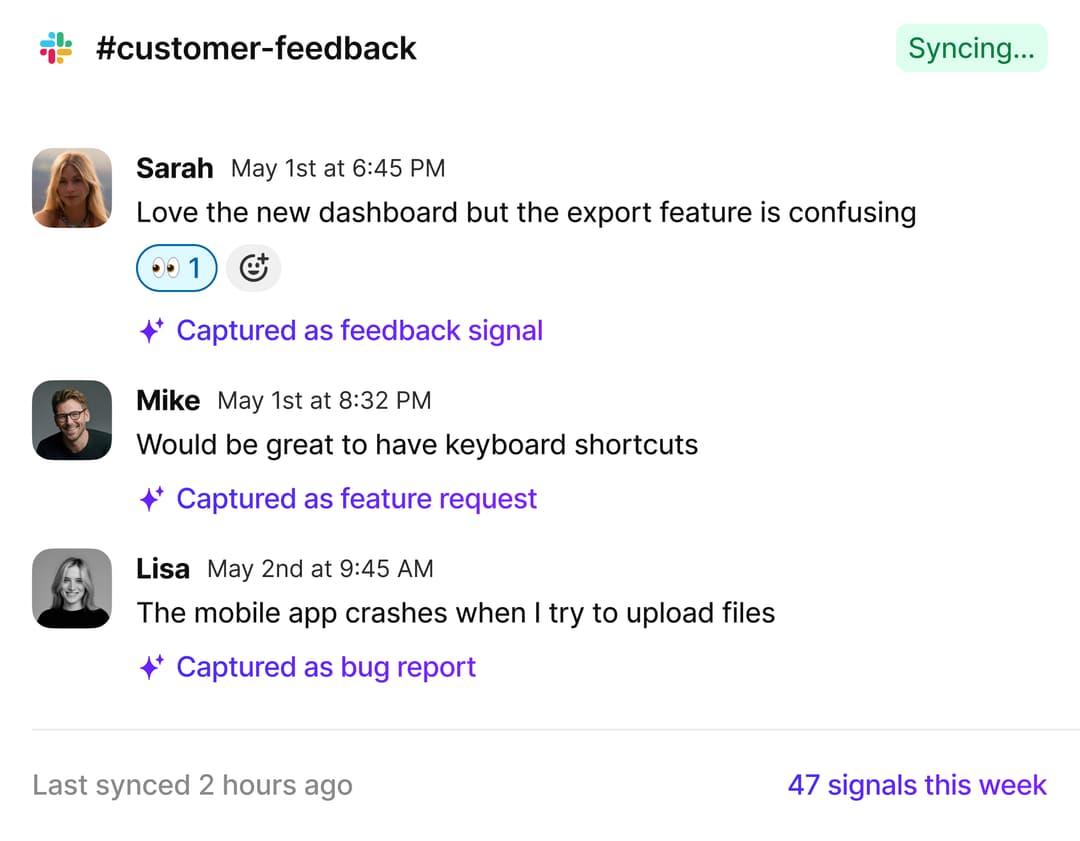
Capture feedback automatically
Connect your Slack workspace and tell us which channels to monitor. We'll automatically scrape internal and external feedback every 24 hours.

Customer feedback channels
Capture feedback from #customer-feedback, #support, or any channel where customers share input.
Internal discussions
Pull insights from #product, #engineering, or team channels where product decisions happen.
Sales intel
Capture competitive intel and feature requests from #sales and #deals channels.
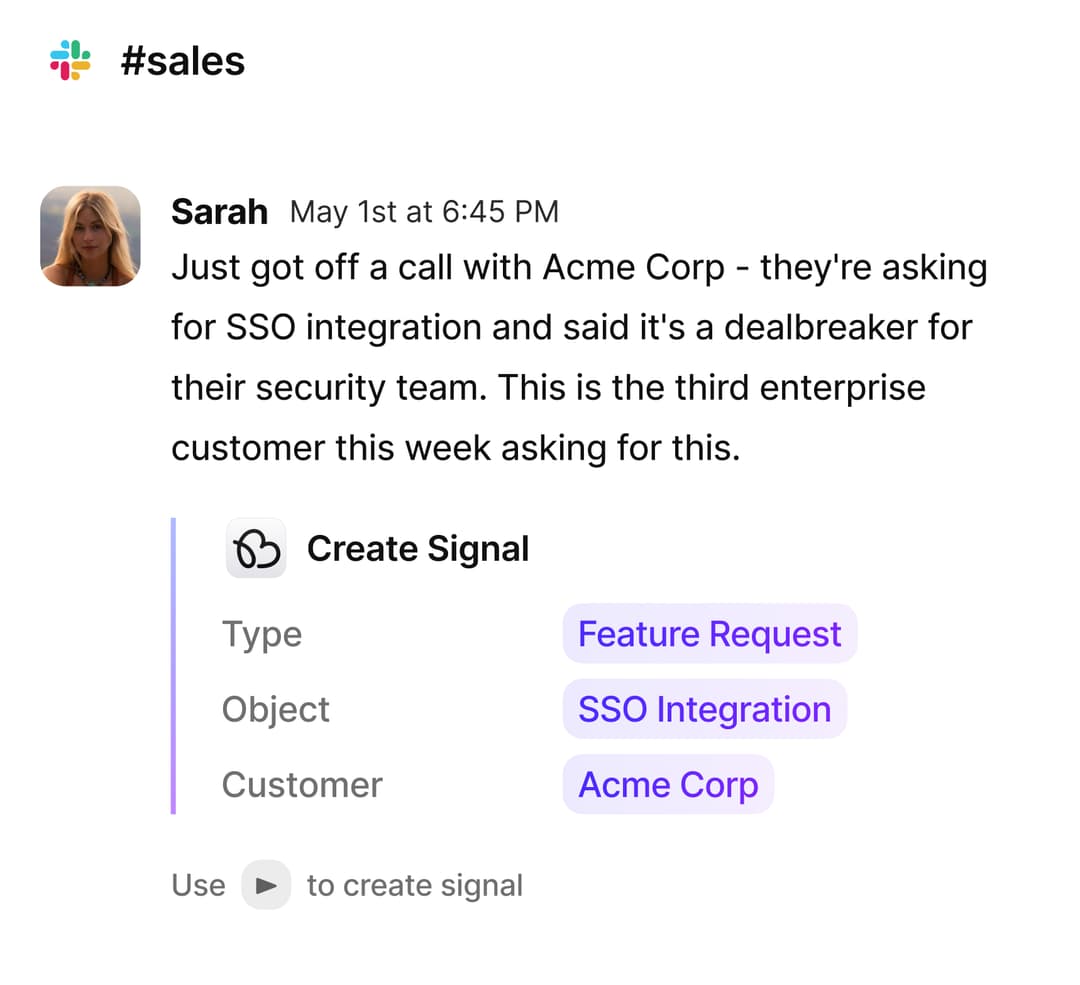
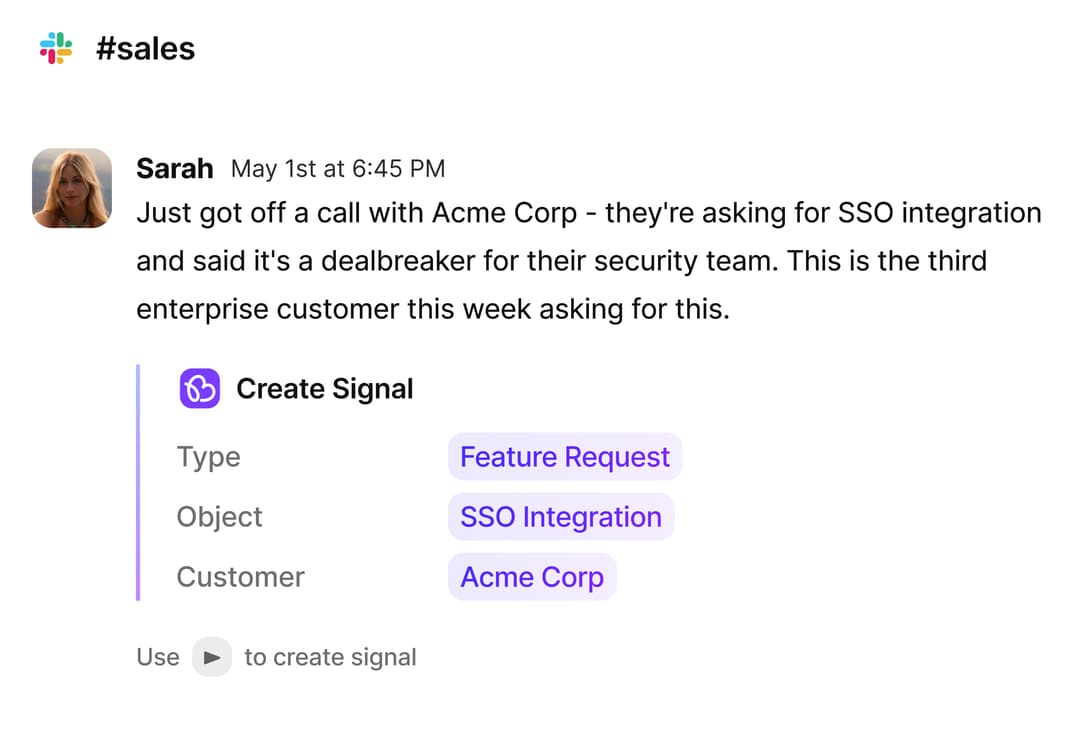
Create signals manually
See something important? Create a signal directly from any Slack message with a simple shortcut. Add context, tag it, and it's in BuildBetter.
Send insights to the right channels
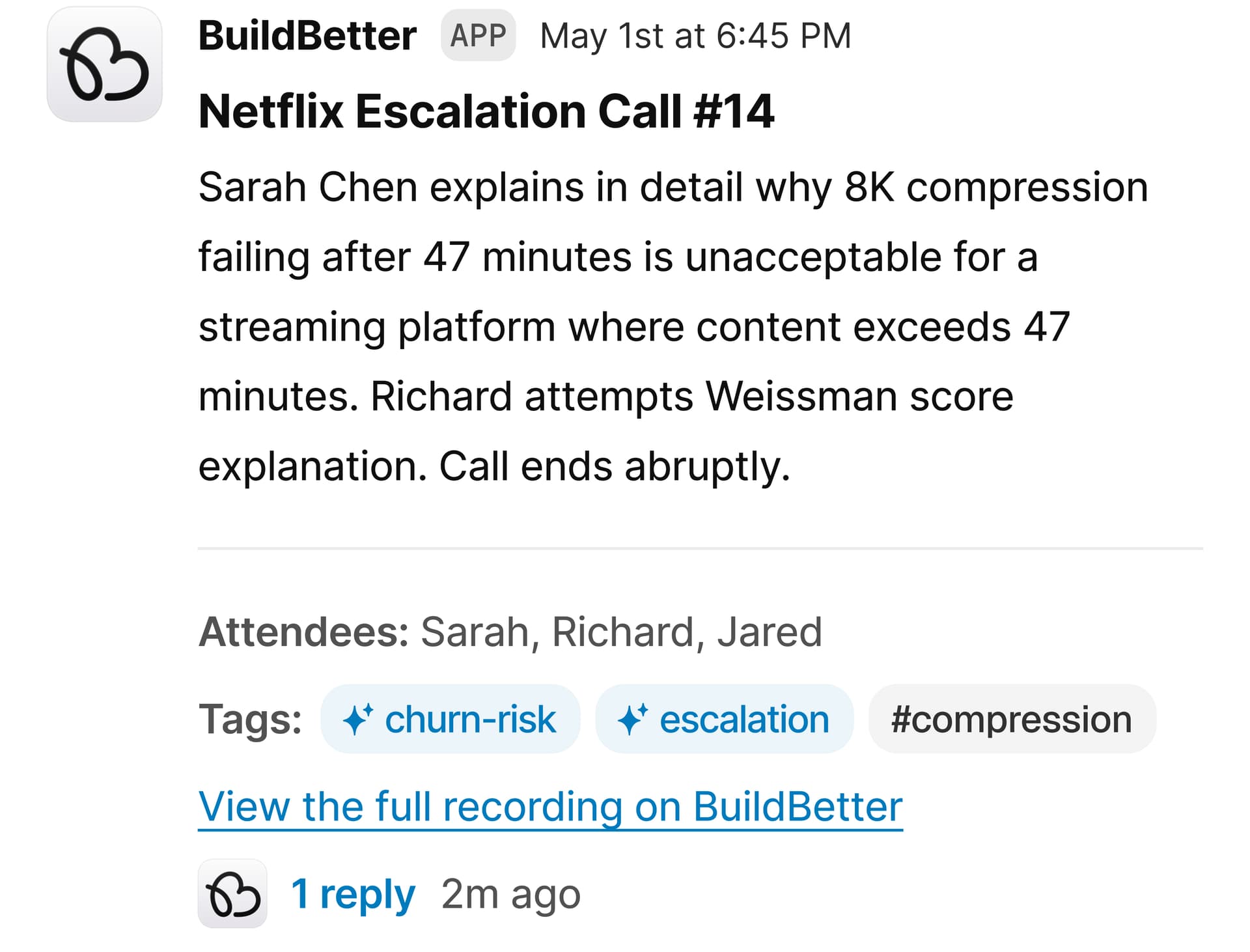
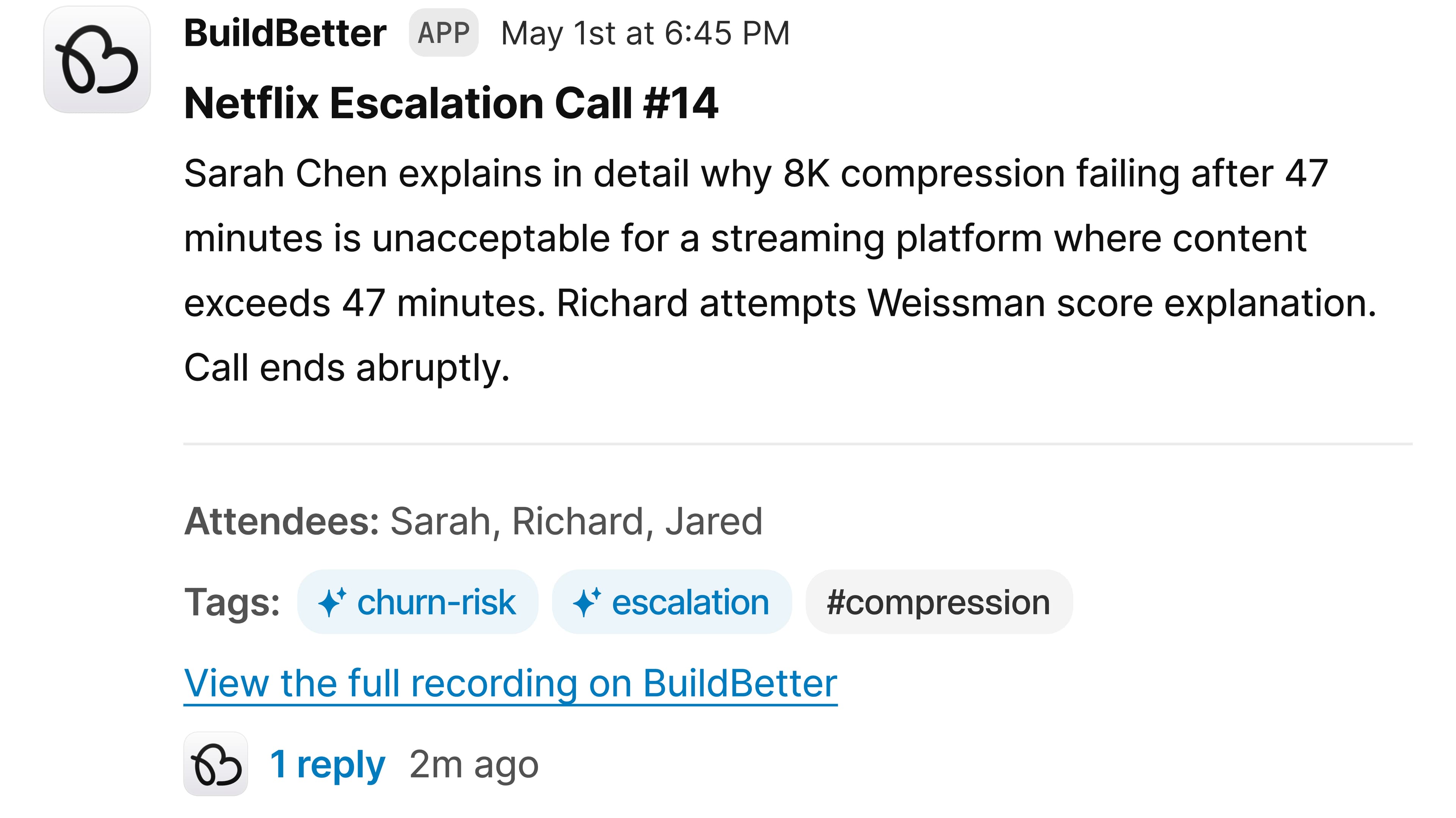
Set up rules to automatically route insights to the right Slack channels. Feedback, call summaries, issues - all delivered where your team already works.
#product-feedback
Rule: Send all feedback related to the mobile app project
#bugs
Rule: Send any issues or problems customers mention
#wins
Rule: Send positive feedback and testimonials
#leadership
Rule: Send weekly call summary digests
Call summary to #sales
Process
Set up in minutes
Connect your Slack workspace with one click. Select the channels you want to monitor, set up your routing rules, and you're done.

Connect Slack

Select channels

Set routing rules
Install & first-run flow

Click Add to Slack and approve the scopes shown.
Redirected to a Success page with quick-start steps.
in a channel to confirm installation.

Optionally invite BB to any customer channel.

Access limited to the channels you authorize.


Data encrypted in transit & at rest; SOC 2 Type II, GDPR, HIPAA-ready.

Your data is never used to train third-party models.
Disclaimer
Slack requires us to inform users that our app uses a Large Language Model (LLM) to generate responses, which may occasionally be inaccurate or unexpected.
Slack’s AI agent experience requires a paid Slack plan. Other BuildBetter Slack features remain available on Slack’s free plan.
For more details on how we handle data, see our Privacy Policy and our Trust center.
Keep exploring
Workflows
Automate Slack alerts and notifications

Support Handoff
Seamless context transfer across teams
Your team already lives in Slack
