

Turn thousands of customer and team interactions into filterable insights.
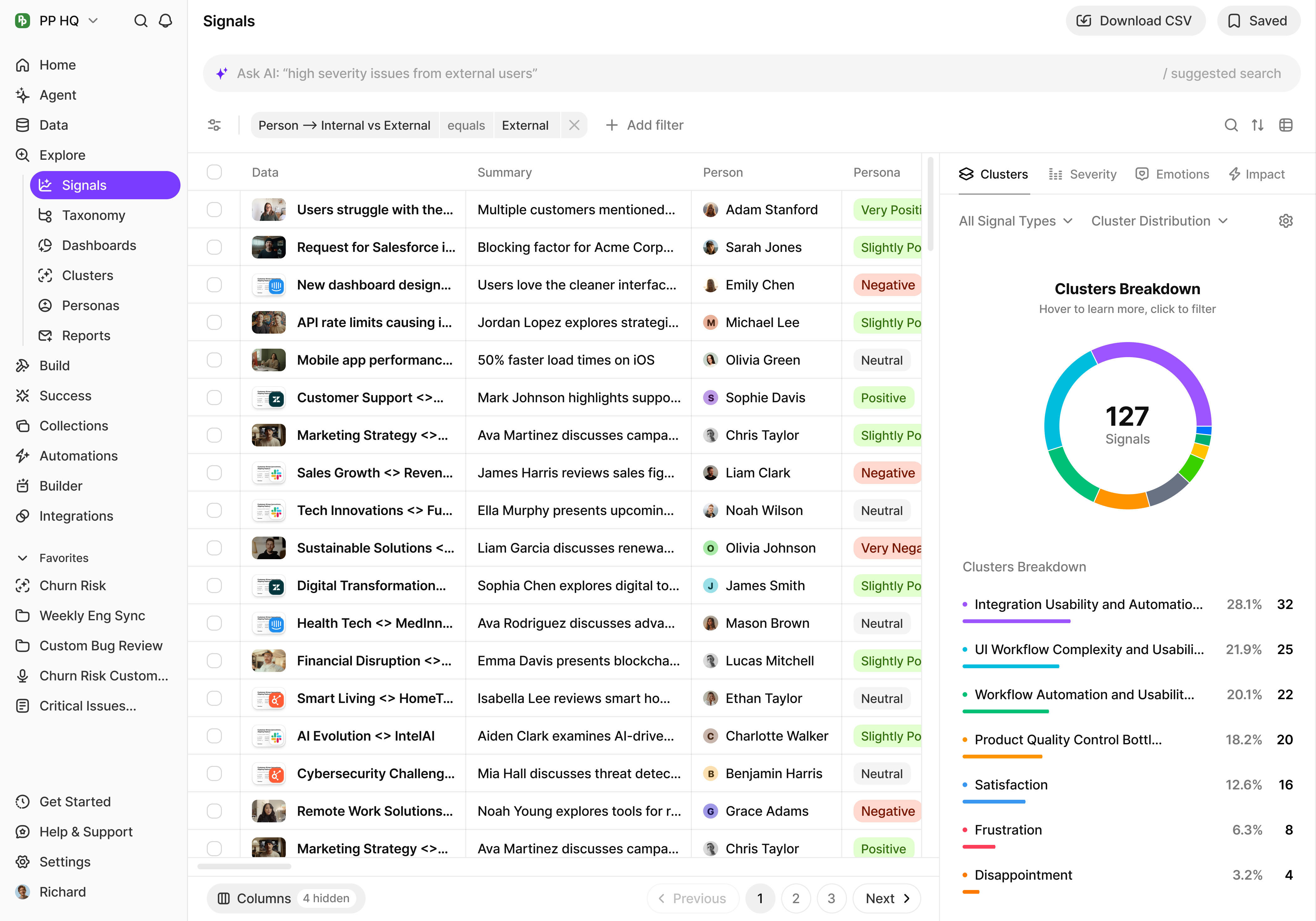
Search, filter, and save queries across all your data.


Calls
Generate uncannily accurate summaries of any recordings

Tickets
Process all your customer support tickets

Surveys
Understand trends and themes amongst all your surveys

CSV
Upload thousands of rows of knowledge and get knowledge

Emails
Forward support or team emails for processing and get insights

Messages
Save customer and team messages from Slack
Search, filter, and
never miss a signal
Explore gives you the power to search across all your customer interactions and surface the insights that matter most.
Universal Search
Press / to search across Recordings, Documents, People, Companies, Signals, Chats, and Folders. Full-text search across transcripts.
Content Type Filtering
Filter by content type, date, source, sentiment, customer, tag, or any custom property. Drill down to exactly what you need.
Saved Searches
Save your most important queries and come back to them anytime. Share saved searches with your team.
Signals & Alerts
Get notified when new data matches your saved searches. Never miss an important signal again.
How Explore works
Connect your data
Import calls, tickets, surveys, emails, and messages from 100+ integrations.

Search and filter
Use natural language to search, or apply filters to drill down to specific insights.

Save and monitor
Save important searches and get notified when new data matches your criteria.


Go deeper with Broad Research
When you need 100% accuracy over all your data, use Broad Research to search every single data point without limits or cutoffs.

What’s next
Documents
Generate reports from your search results
Customer Health
Monitor account health with filtered signal views
Stop searching through chaos...

