

01
Centralized Knowledge Hub
Every customer call, internal meeting, all-hands, and strategy session flows into one searchable repository. Anyone on your team can query it in plain language and get cited answers in seconds.

A customer-led workflow
Build a central nervous system for your company—aggregate insights from every conversation and make them accessible to everyone as your team scales from 10 to 100+ people.
Customer evidence

“Citations in reports are critical for us. They build trust and prove accuracy — when leadership sees top citations, it reinforces credibility.”
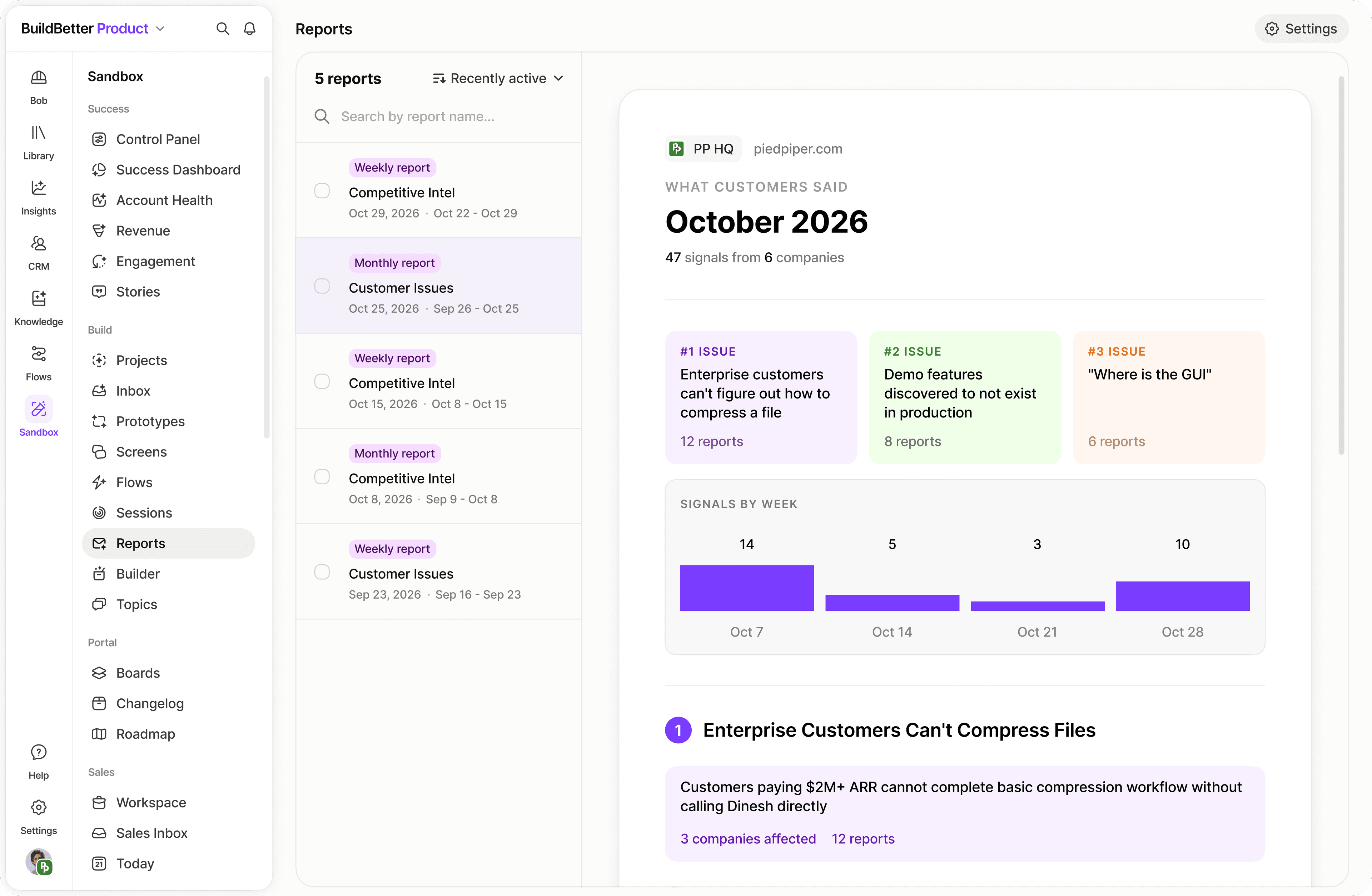
Ask a specific question of your company context. Inspect the accounts and source material behind the answer before using it in a report or a team decision.
01
Every customer call, internal meeting, all-hands, and strategy session flows into one searchable repository. Anyone on your team can query it in plain language and get cited answers in seconds.
02
Product, sales, CS, and support all see the same customer data. Configure notification rules so the right signal reaches the right team automatically—no manual forwarding required.
03
Dashboards update as conversations happen. Track problem frequency, sentiment trends, feature request volume, and competitive mentions across every team from a single view.
04
Scheduled tasks deliver weekly insight summaries to each department without anyone lifting a finger. Leadership gets executive digests; product gets feature signal reports.
05
Control who sees what with collection-level permissions. Investor calls stay private, support tickets stay scoped to CS, and sensitive strategy sessions are locked to leadership.
06
New hires query the knowledge base to get up to speed in hours instead of weeks. Every decision, debate, and customer insight is preserved and searchable from day one.
Integrate your calendar, video conferencing, and upload past recordings. Set bot recording rules to auto-capture external meetings.
Organize conversations into folders: Customer Discovery, Sales, Support, Internal, Investor. Set auto-tagging workflows.
Build shared dashboards showing top customer problems, sentiment trends, and feature request volume visible to all teams.
Schedule department-specific insight summaries to deliver every Friday. Each team gets a digest relevant to their work.
Define rules: churn signals → CS lead, feature requests → PM, competitor mentions → marketing. Insights reach the right person automatically.
Leadership receives a weekly summary of the most important signals across all teams without needing to dig into the platform.
As headcount grows, configure collection-level permissions to ensure privacy while maintaining cross-functional visibility where appropriate.
Connect Zendesk, Salesforce, or Intercom to enrich conversation intelligence with ticket data, deal context, and customer health scores.
Turn recurring questions into auto-generated documentation. Common patterns in support and sales become living knowledge base articles.
Separate workspaces for different business units or regions, with shared intelligence where appropriate.
Configure retention policies, audit logs, and data residency settings to meet enterprise compliance requirements.
Build company-specific automation: M&A signal tracking, board report generation, or investor update preparation.
Bring a real question. We’ll walk through the context and the next step together.
Book a demo